Announcing Blawx v3.0.1
Has EVERYTHING Changed? Yeah, kinda.
July 31, 2026
Welcome to Blawx v3!
Your projects are now behind the "Workbench" button in the top right hand corner of the screen.
The UI for blawx has been completely revised to allow you to see your entire project at once.
The activity bar on the left can be collapsed by clicking on the open activity icon, and opened again by clicking on any of the icons.
Navigating to a different team or project is done using the breadcrumb at the top of the page.
Categories and objects live behind the Vocabulary activity pane.

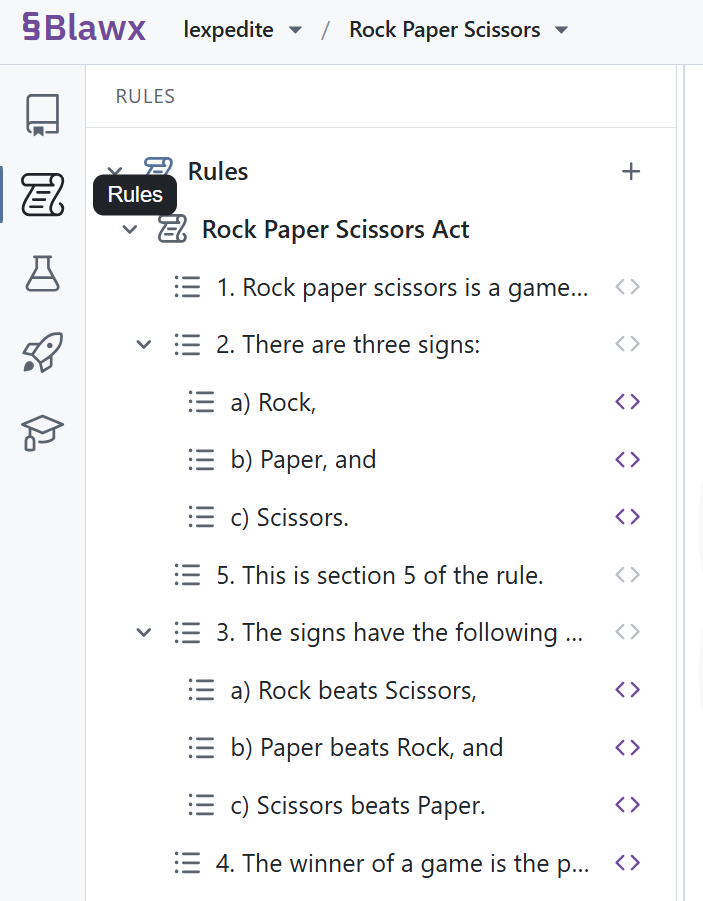
Your rules and their encodings are behind the Rules activity pane.
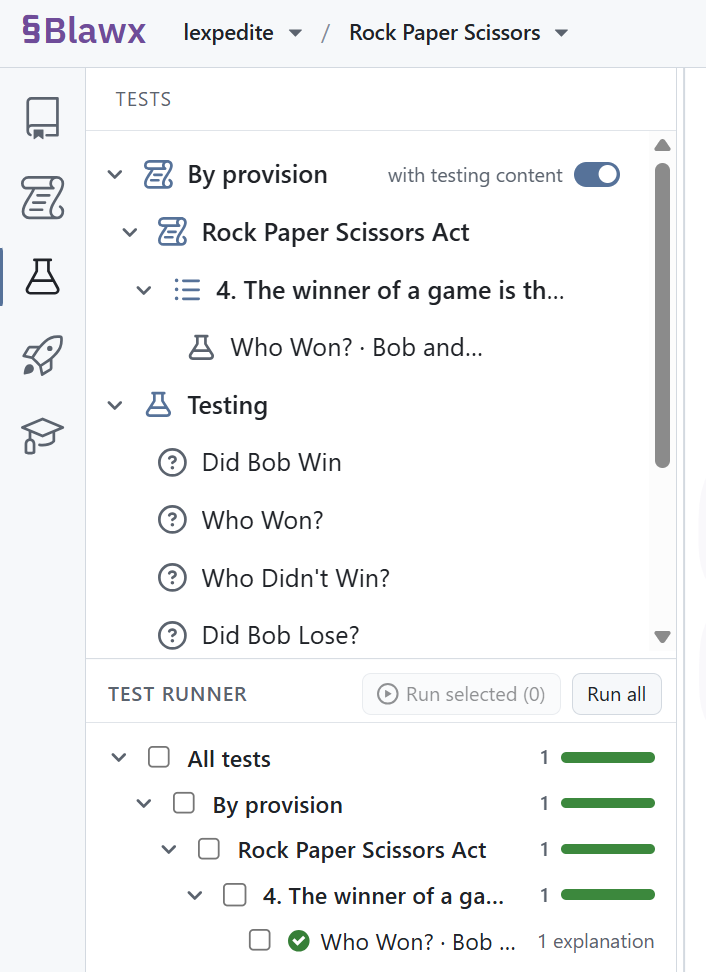
The testing pane allows you to organize your questions and fact scenarios by rule provision or in an arbitrary folder structure. It also creates a new object called a "test", which is a combination of a question, a fact scenario, and an expected number of explanations. You can run a test without opening it, and the status bar will tell you with a colour bar how many of your tests are currently passing, failing, skipped, or unrun. This is the first of a number of validation features to expect in 2026. Tests also appear and can be run in the "Test Runner" interface in the bottom half of the test activity pane, where they can be run all at once.
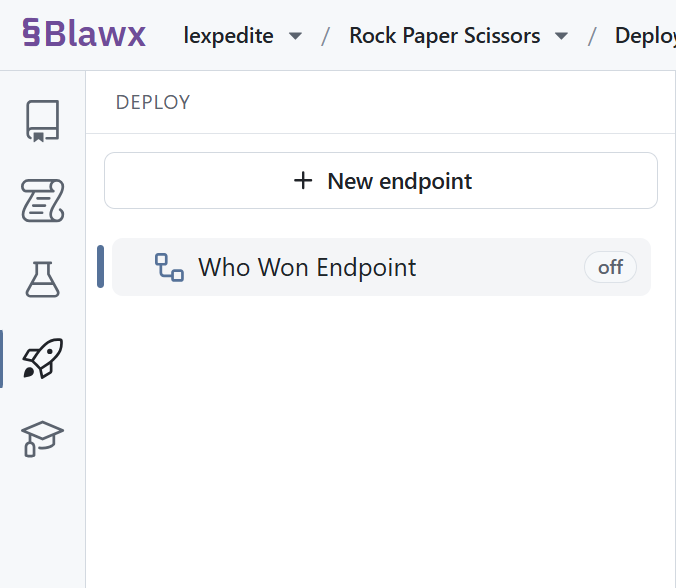
The Deploy tab is the new way to expose your questions to the world securely over API.
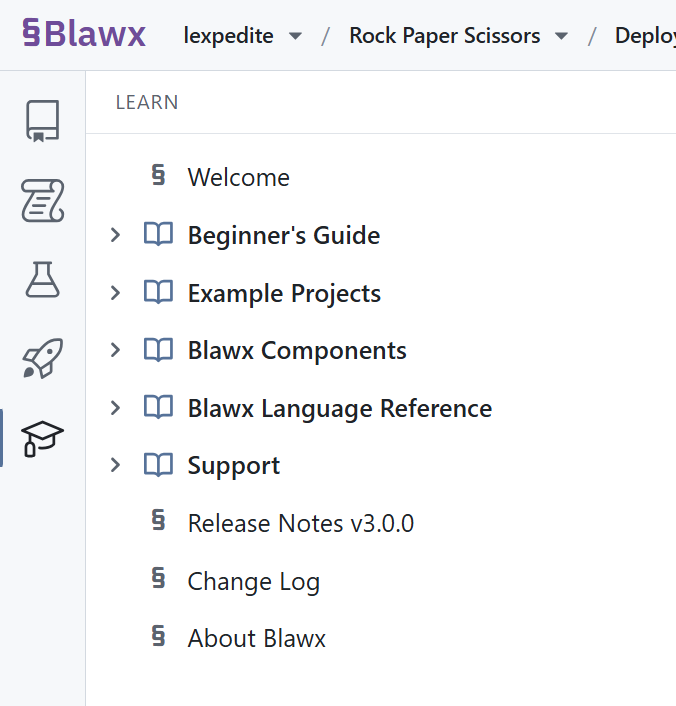
The Learn tab covers the new structure of the app, documentation, examples, and more.
The MCP server has been of course been extended to cover all the capabilities of the new UI, and the internals of Blawx have been modified to make them more friendly to agentic AI. Now Claude, Codex and others are now even more effective at writing long Blawx encodings without making formatting errors.
The Workbench is also able to show you when your agent has changed something for you in the project, allowing you to follow along while the agent adds rules, encodings, vocabulary, tests. The systems for having the agent display explanations and encodings directly in the chat have also be improved. All of which is demonstrated in the video below.
And if you look for it, you might find the "Take a Tour" button, and meet our new mascot, Cody the Blawxer.